- S3
- CodeDeploy
- DynamoDB
- Route 53
- DynamoDB
- VPC
- RDS
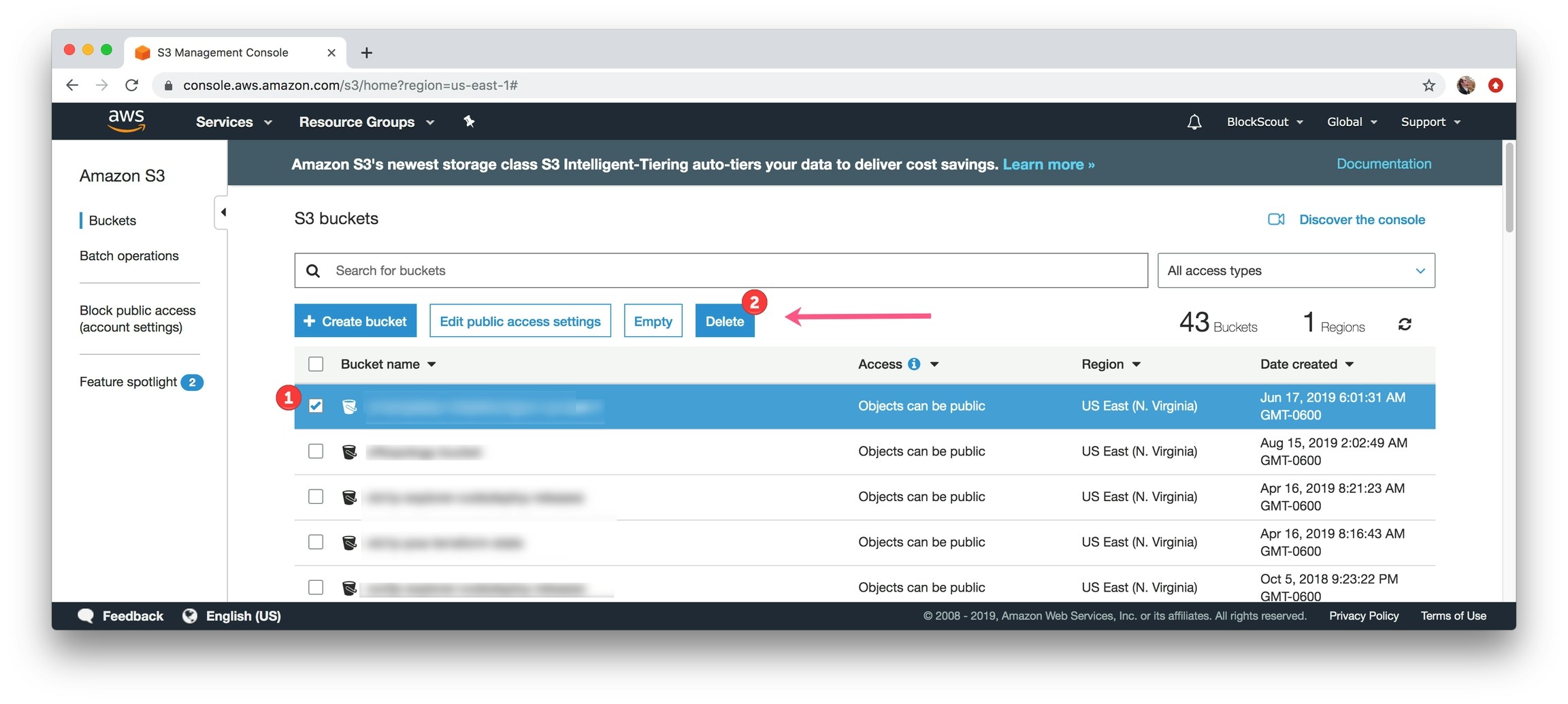
Removing S3 Buckets
1) In the Find Services box, type in S3 and select S3, Scalable Storage in the Cloud.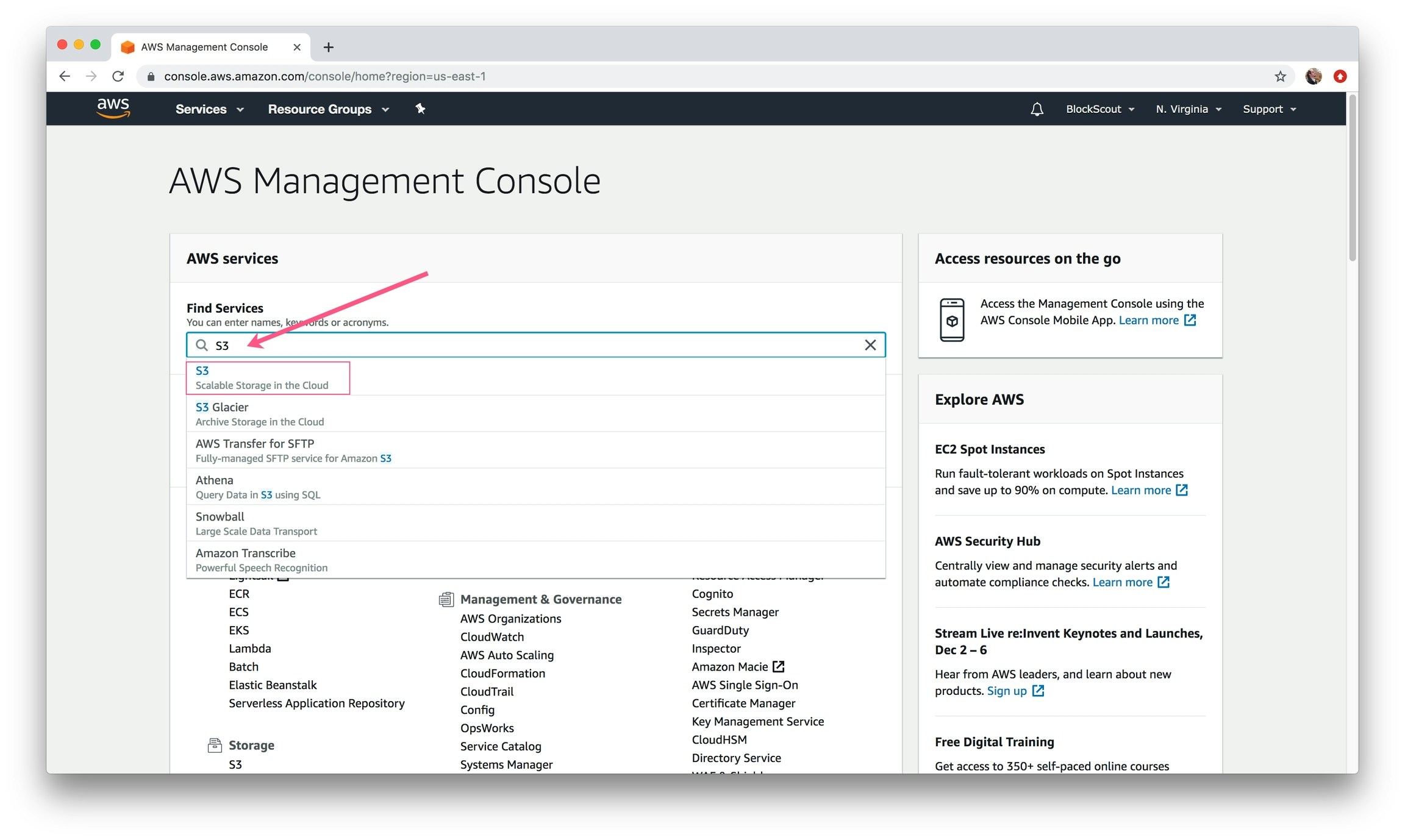
${prefix} from the Terraform config file. Select a bucket and click Delete button. Confirm the deletion. Continue for all related buckets.
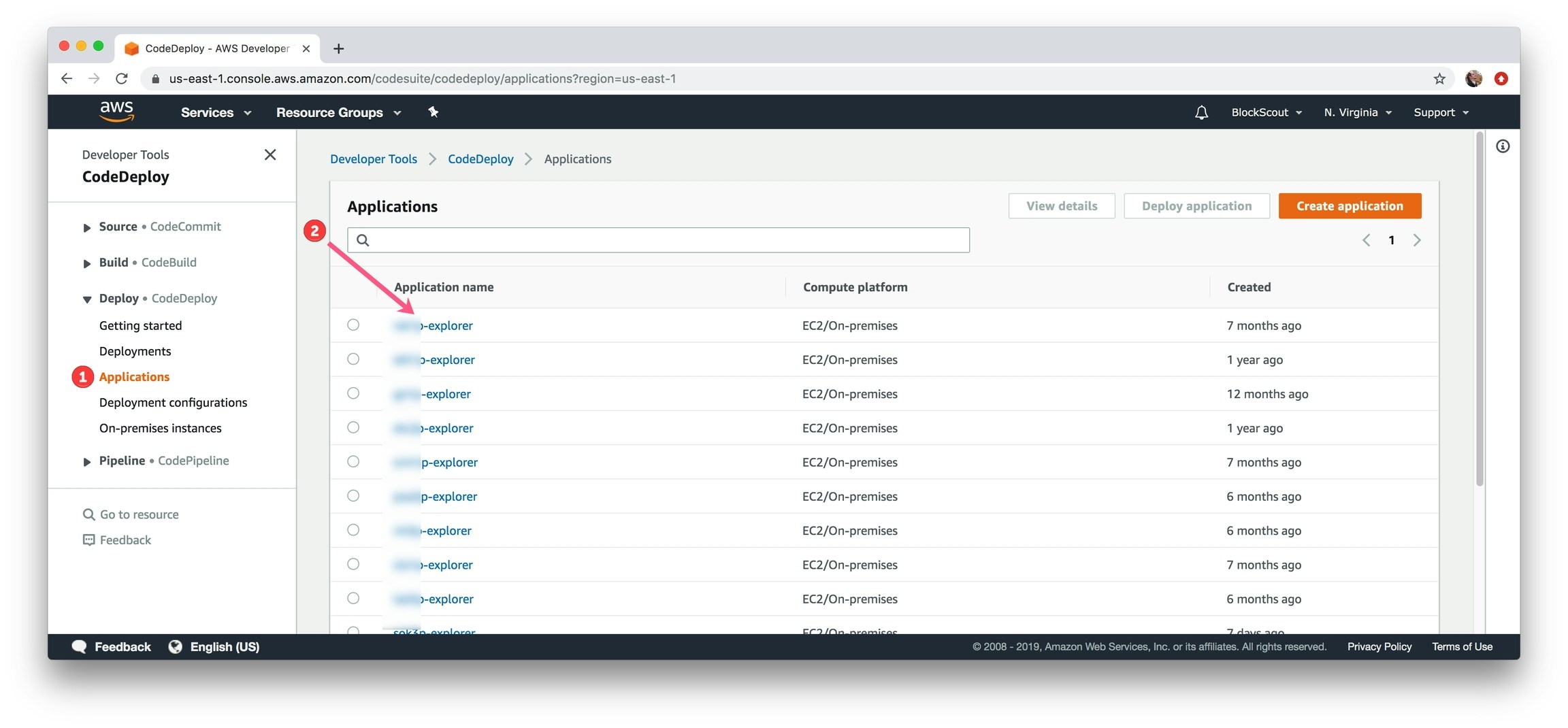
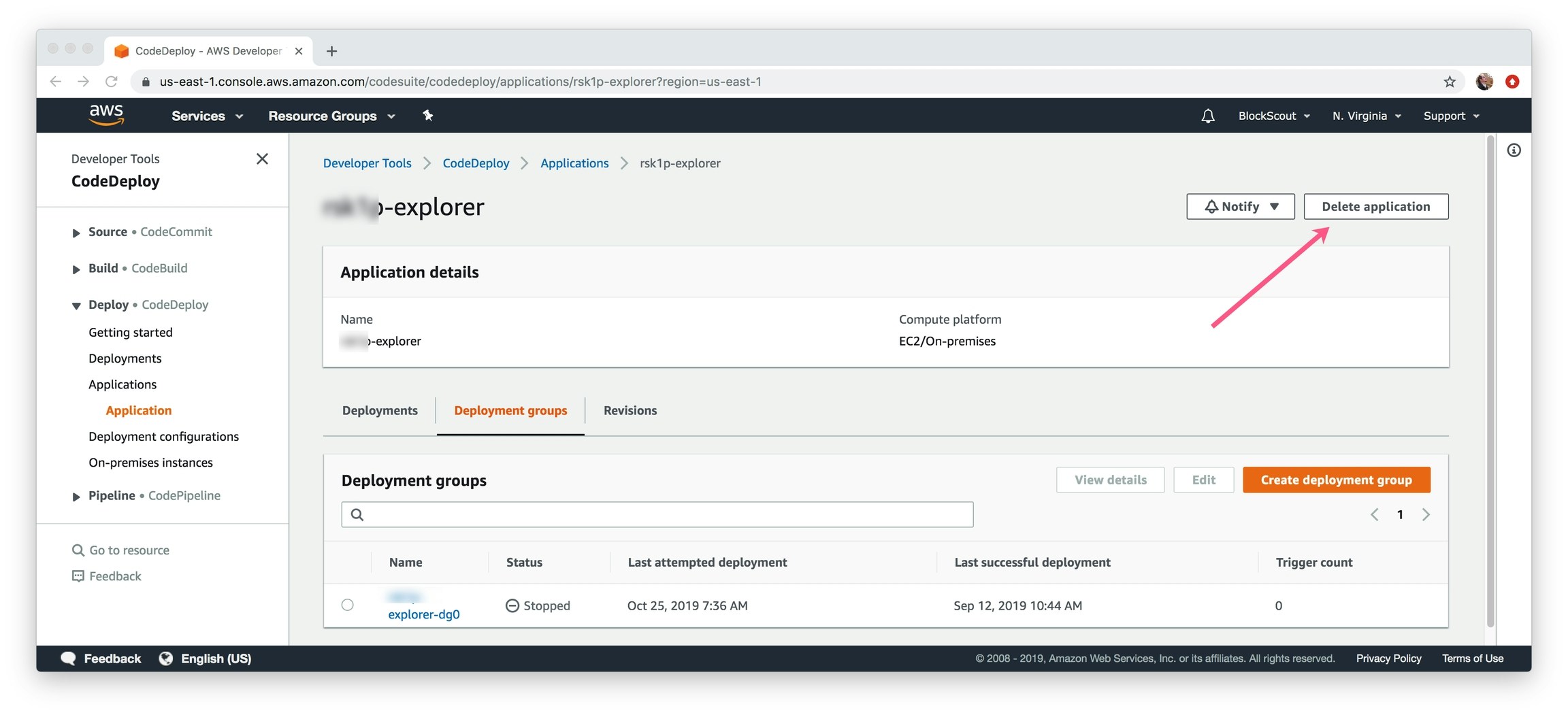
Removing CodeDeploy Application
1) In the Find Services box, type in CodeDeploy and select.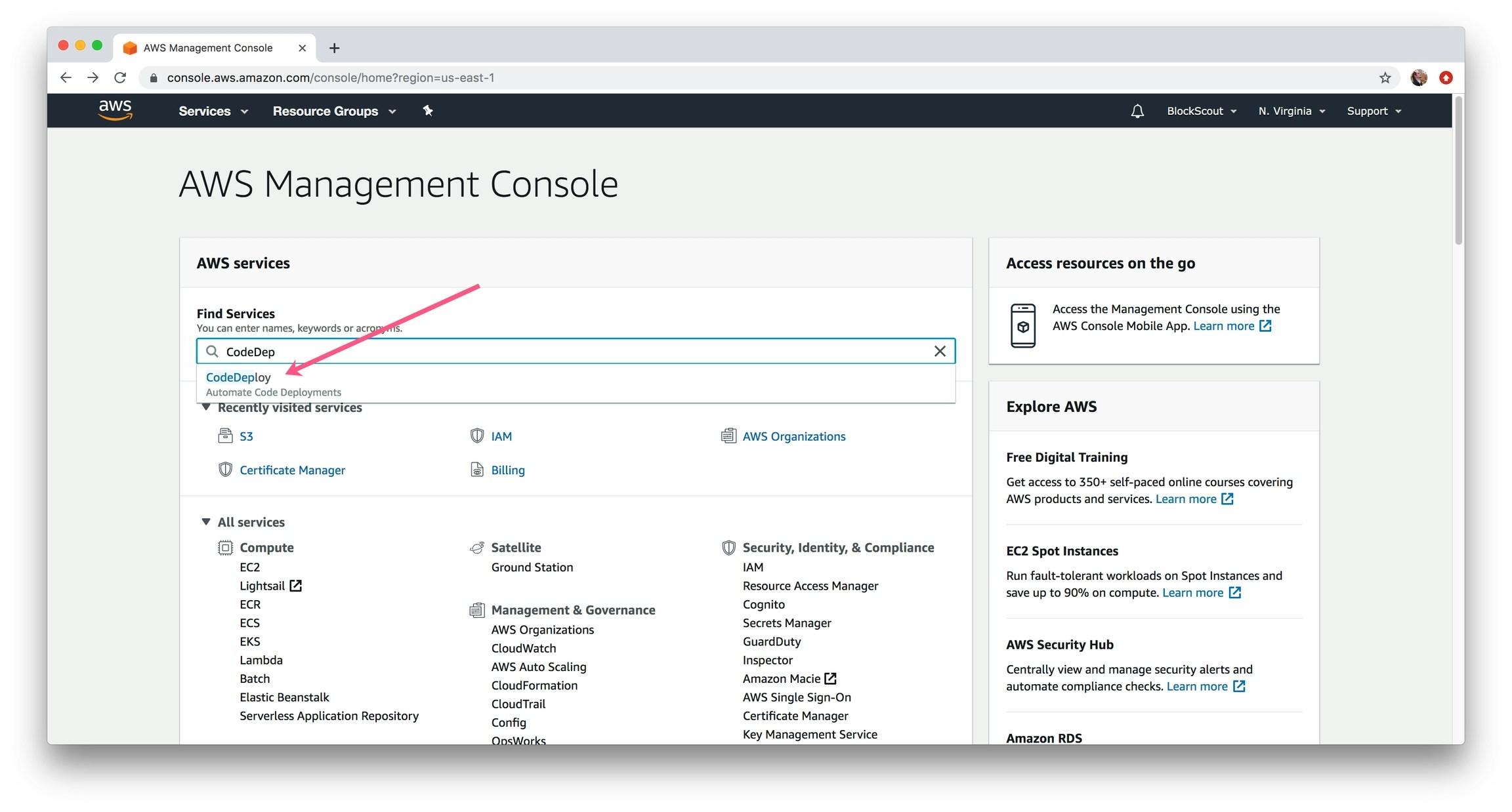
Remove DynamoDB instance
1) In the Find Services box, type in DynamoDB and select.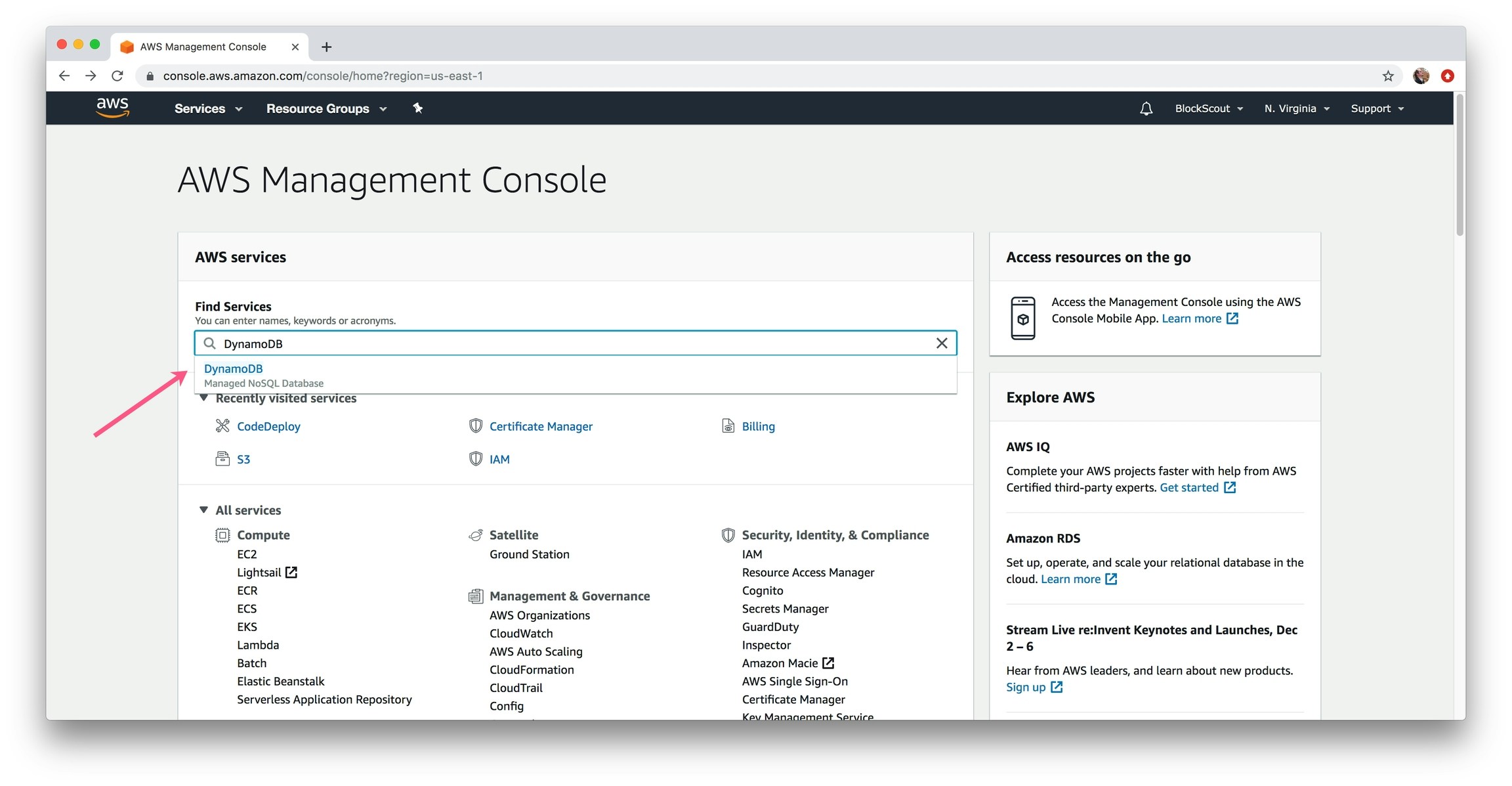
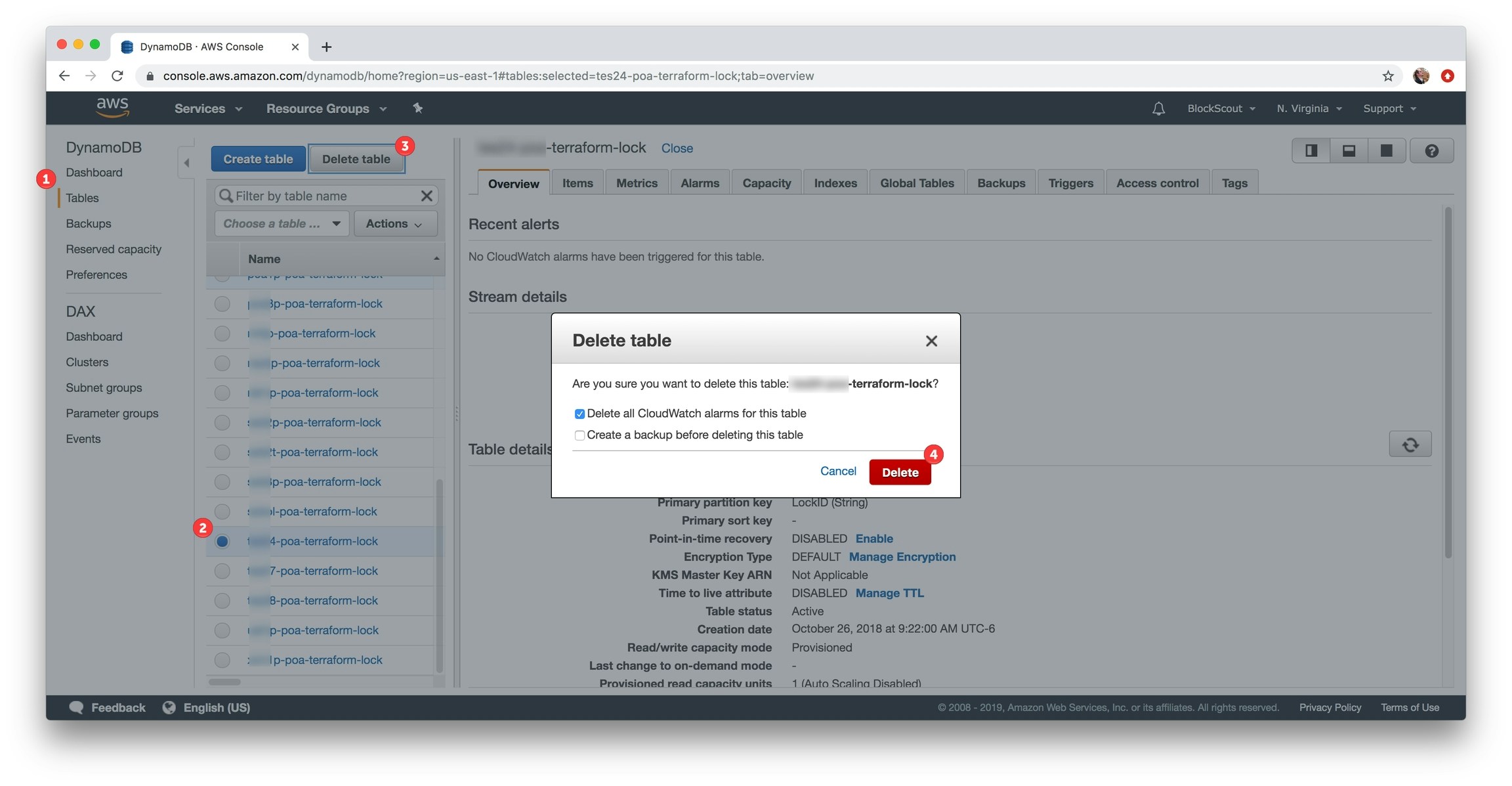
- Select Tables section in the left menu
- Select related database (typically 1 database per deployment). Select database
- Click Delete Table button.
- Confirm the deletion.
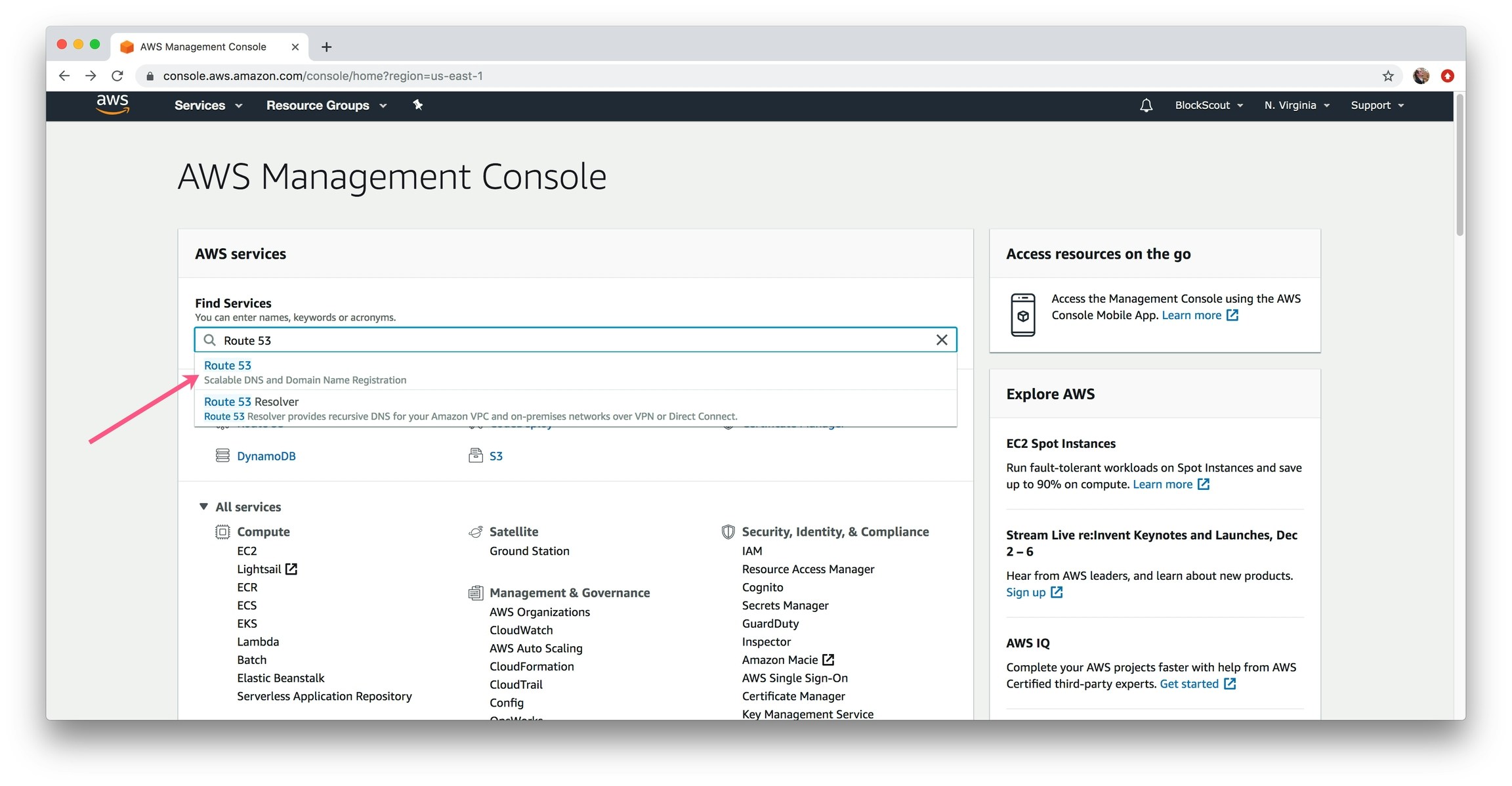
1) In the Find Services box, type in Route 53 and select.
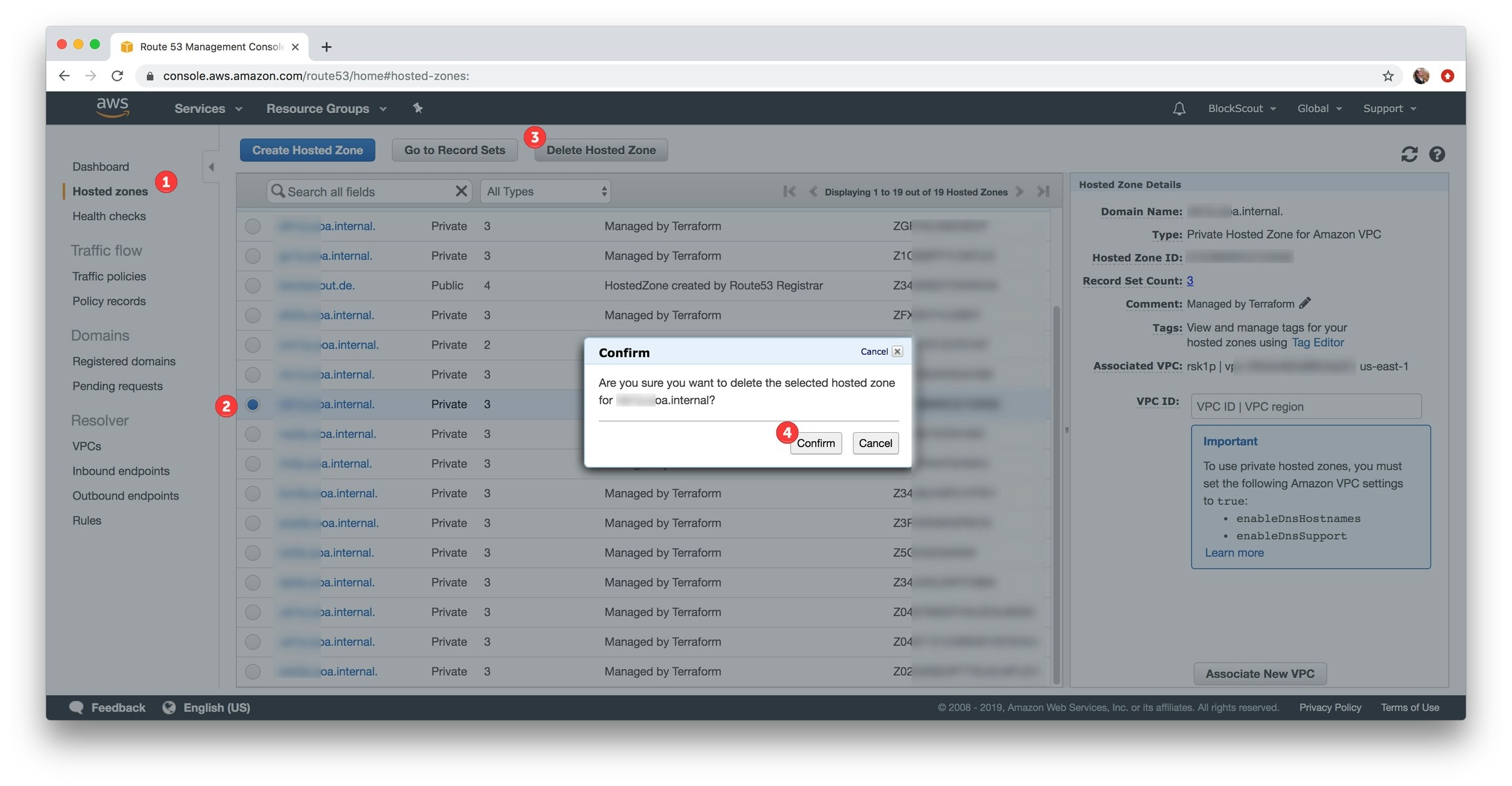
- Select hosted zones in left menu.
- Select related hosted zone.
- Click Delete Hosted Zone button.
- Confirm the deletion.
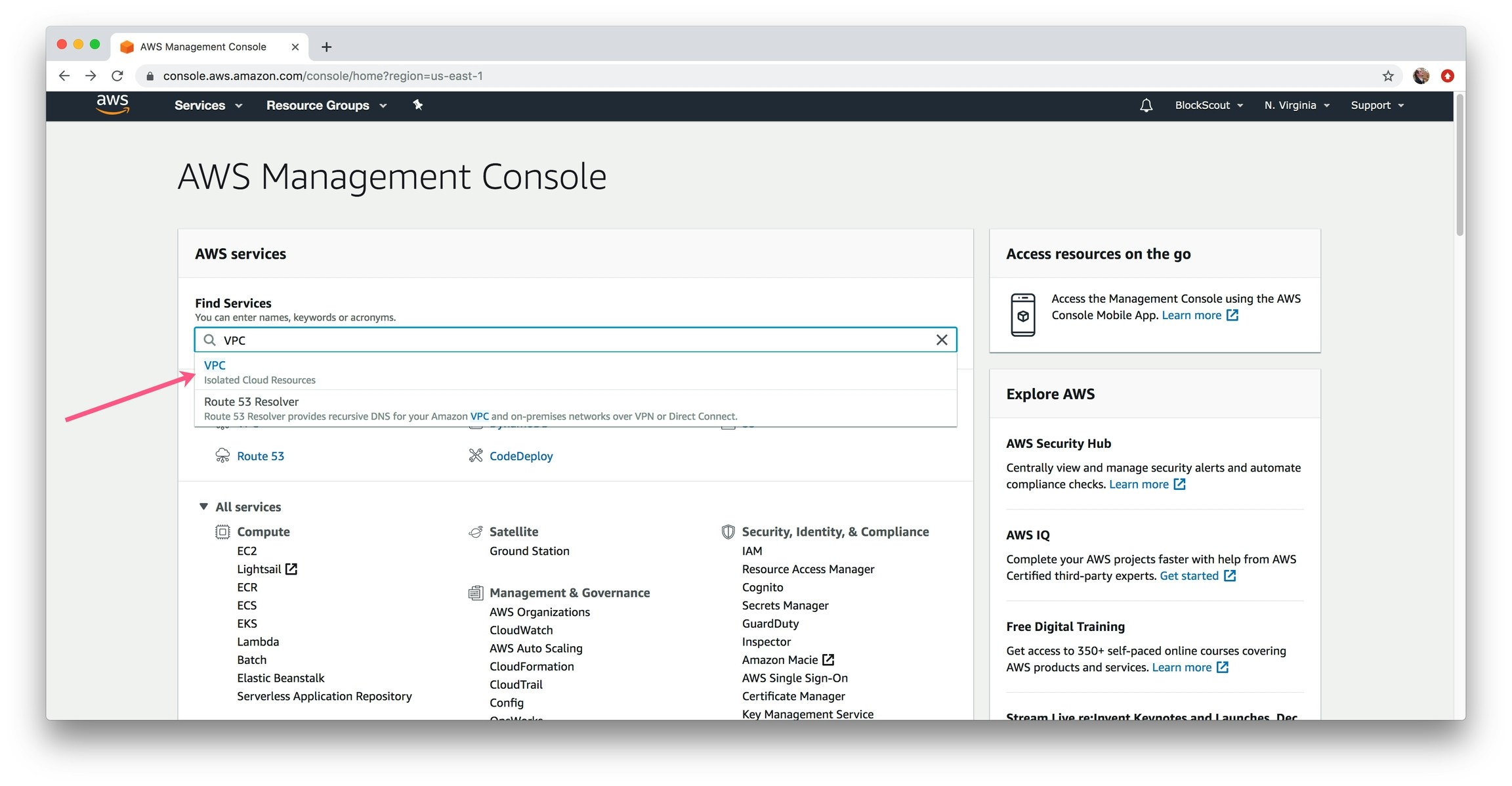
1) In the Find Services box, type in VPC and select.
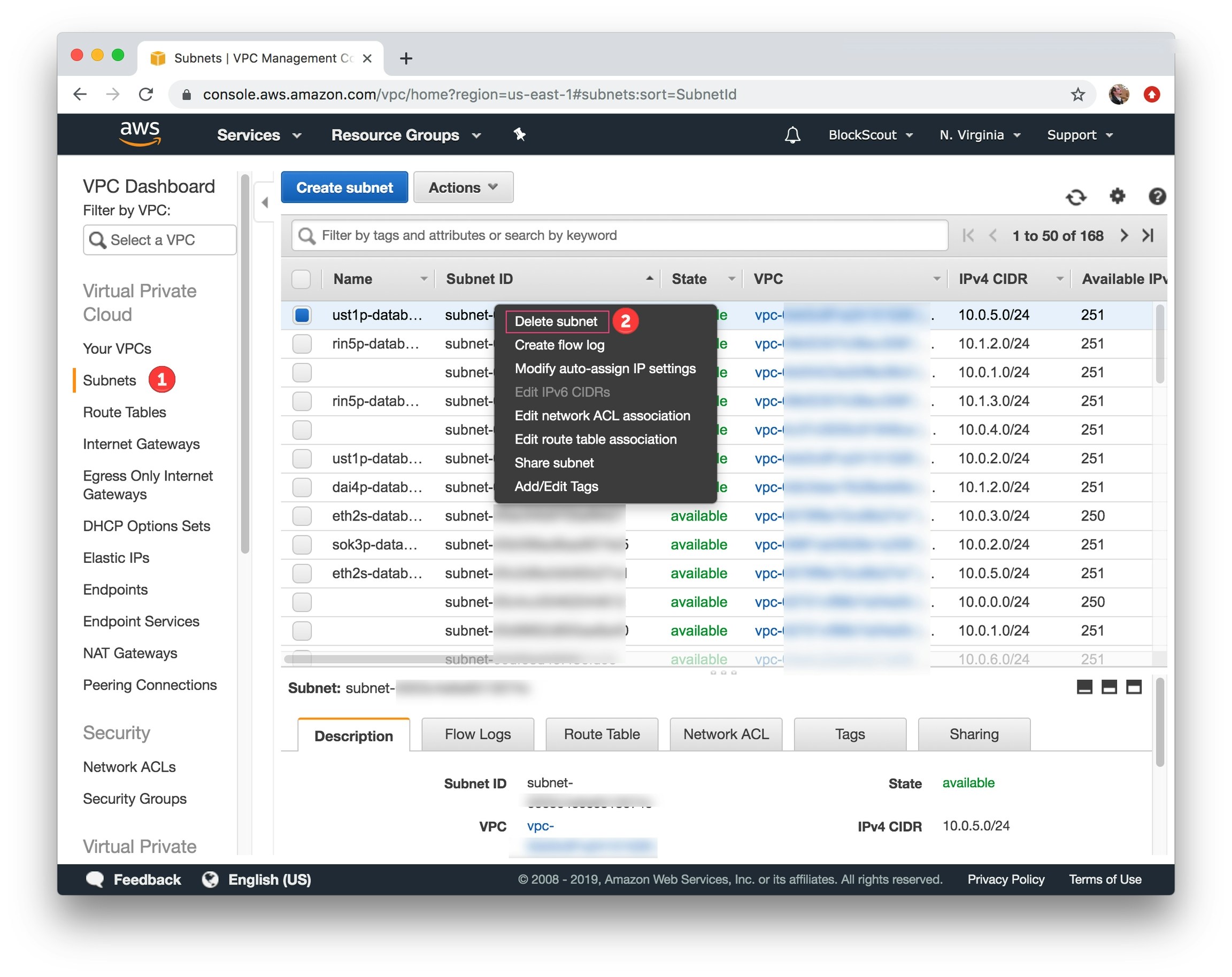
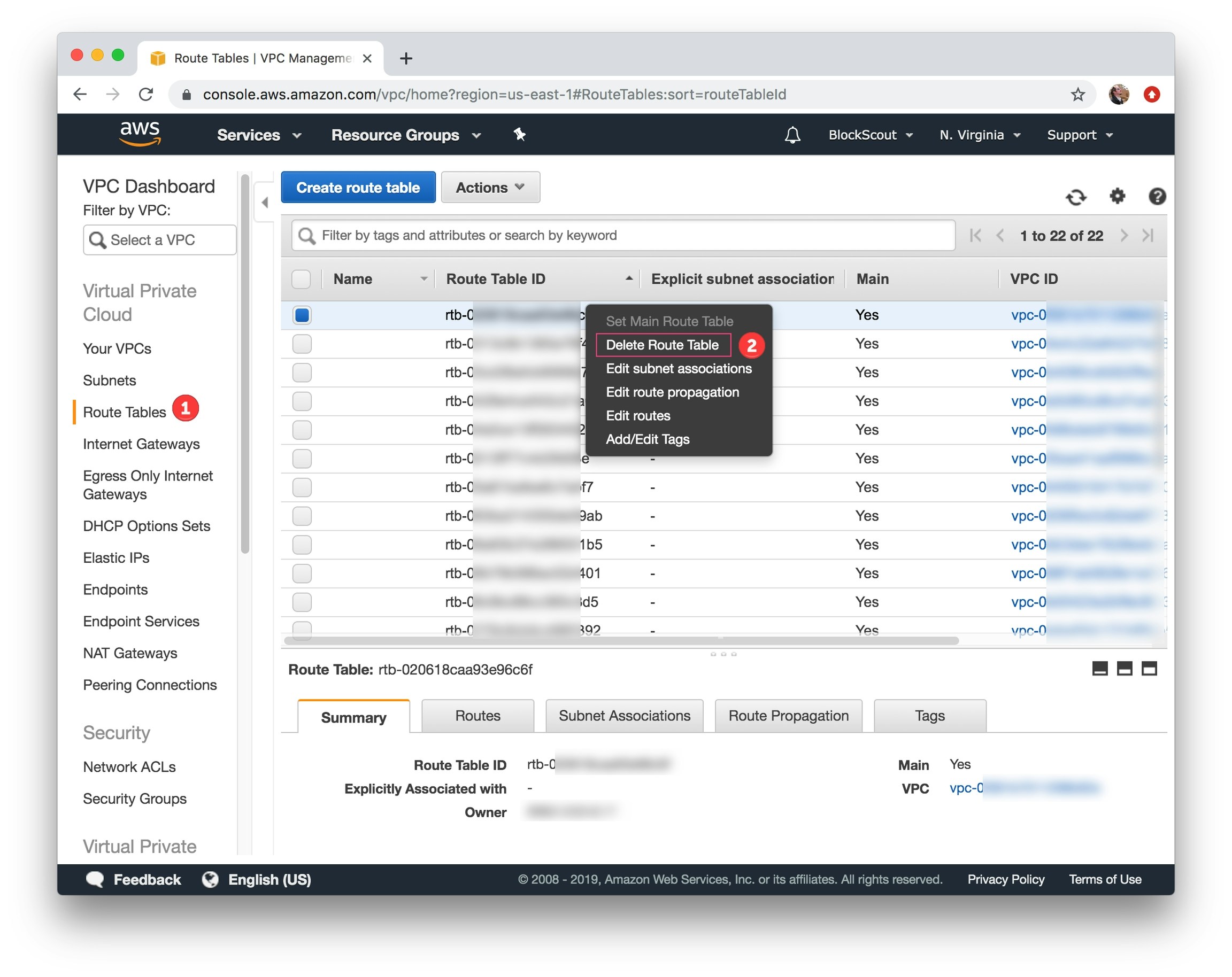
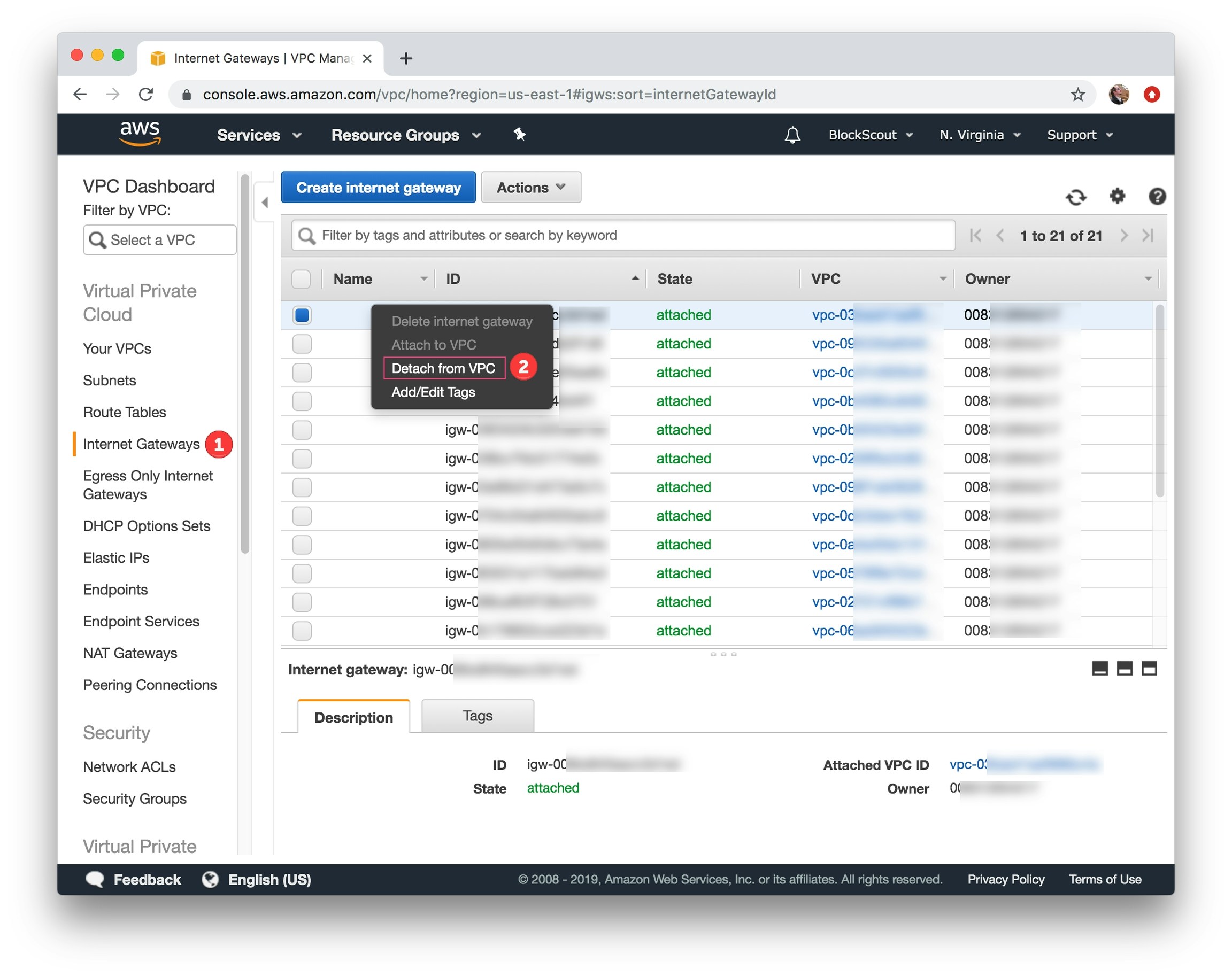
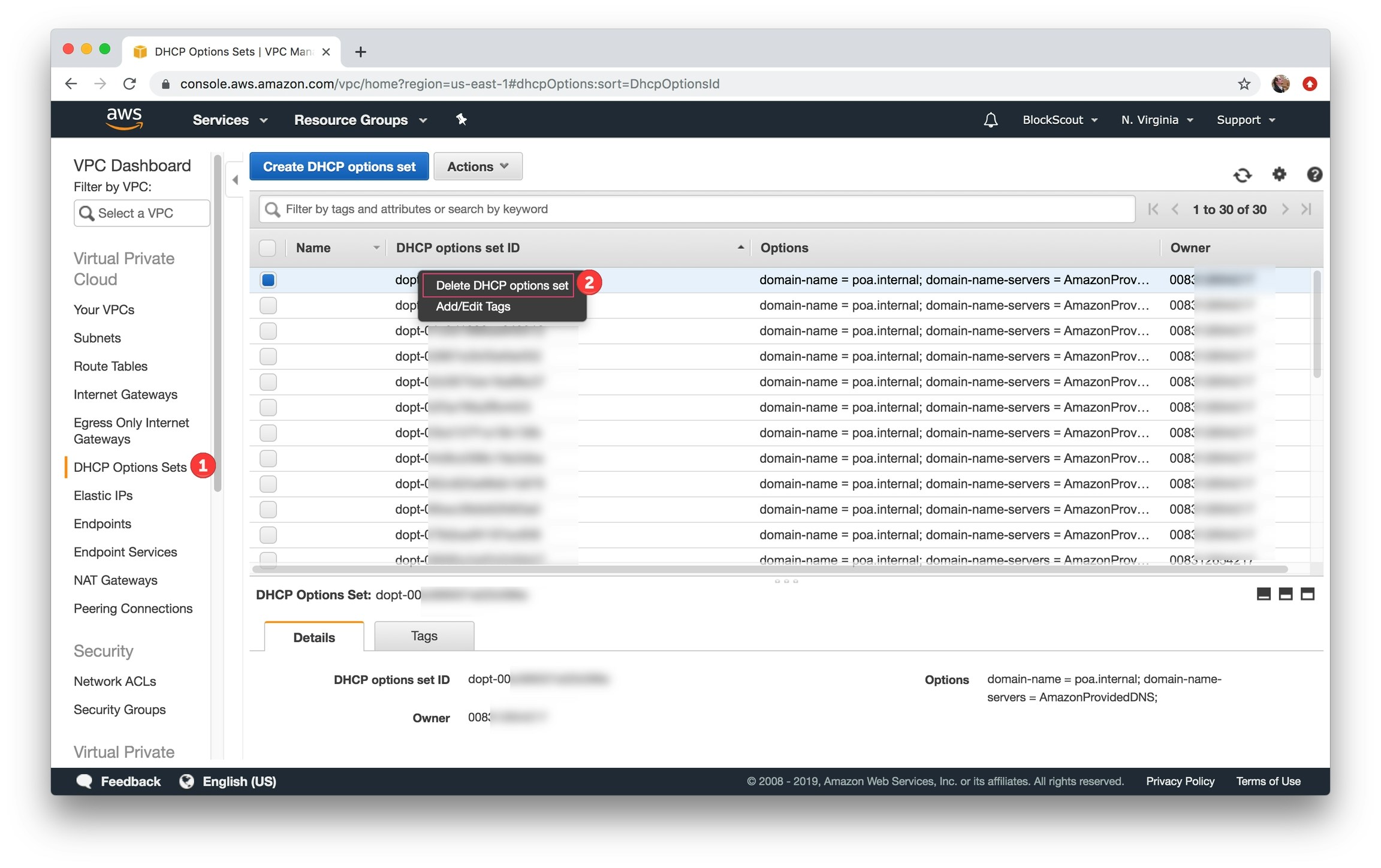
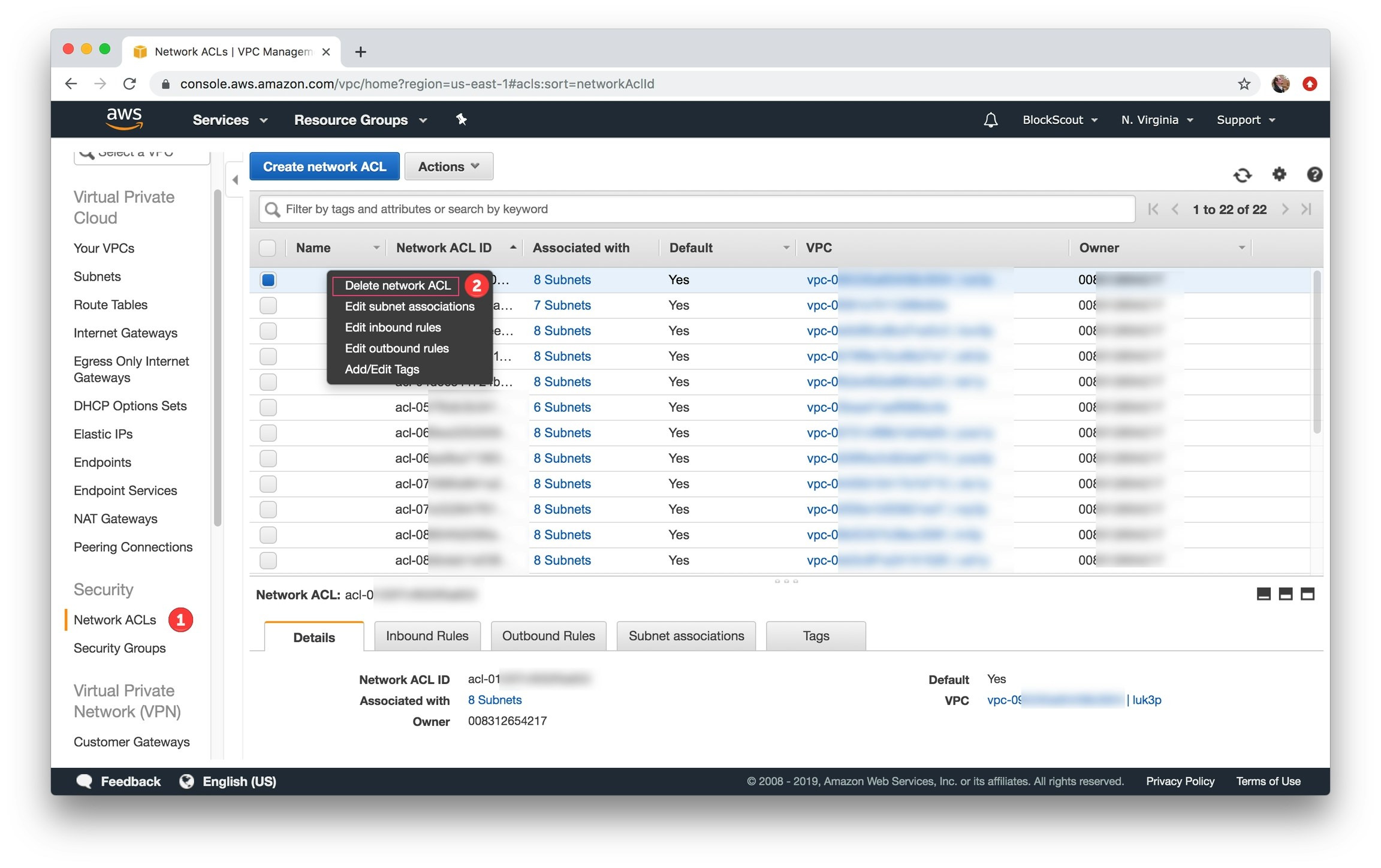
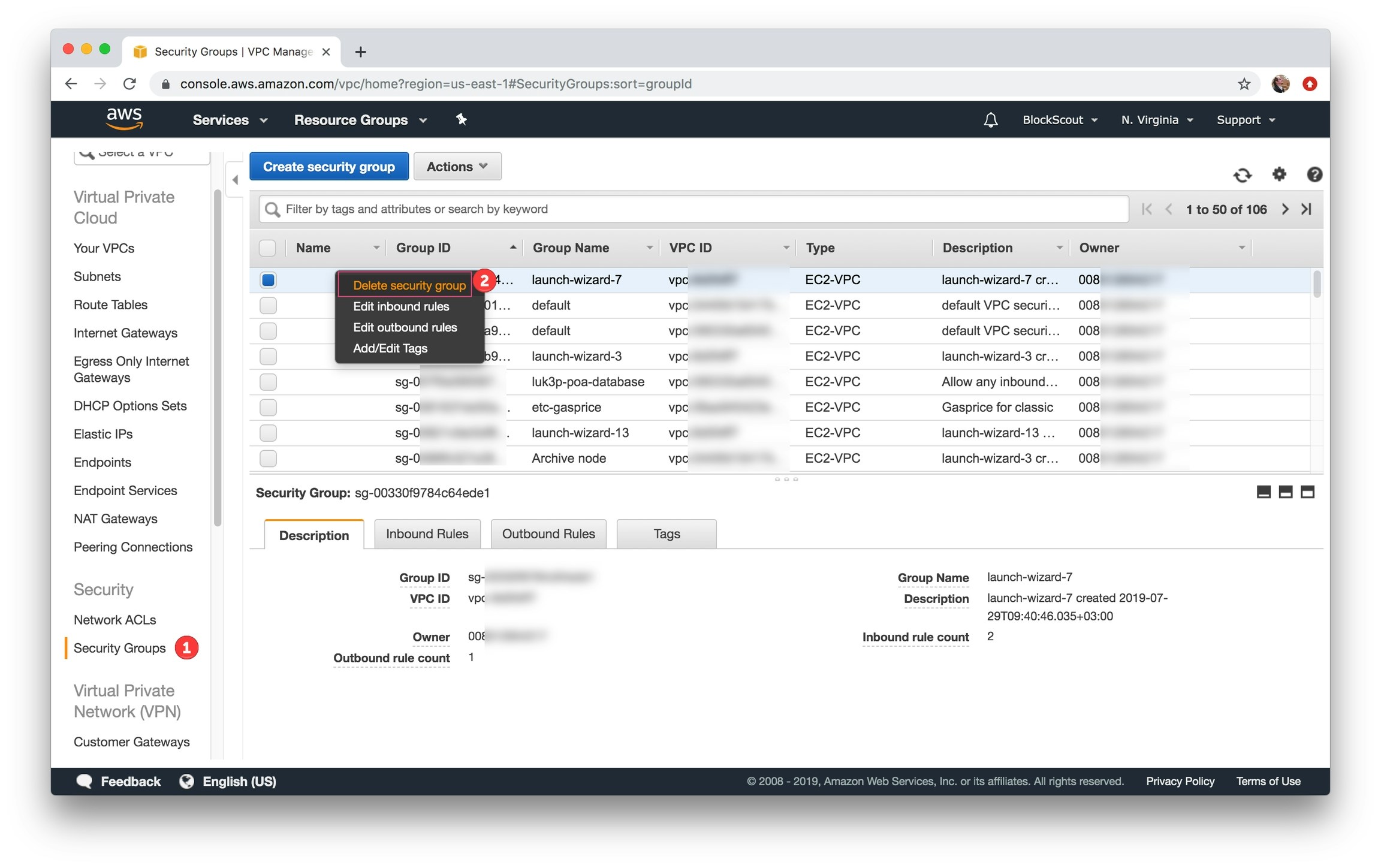
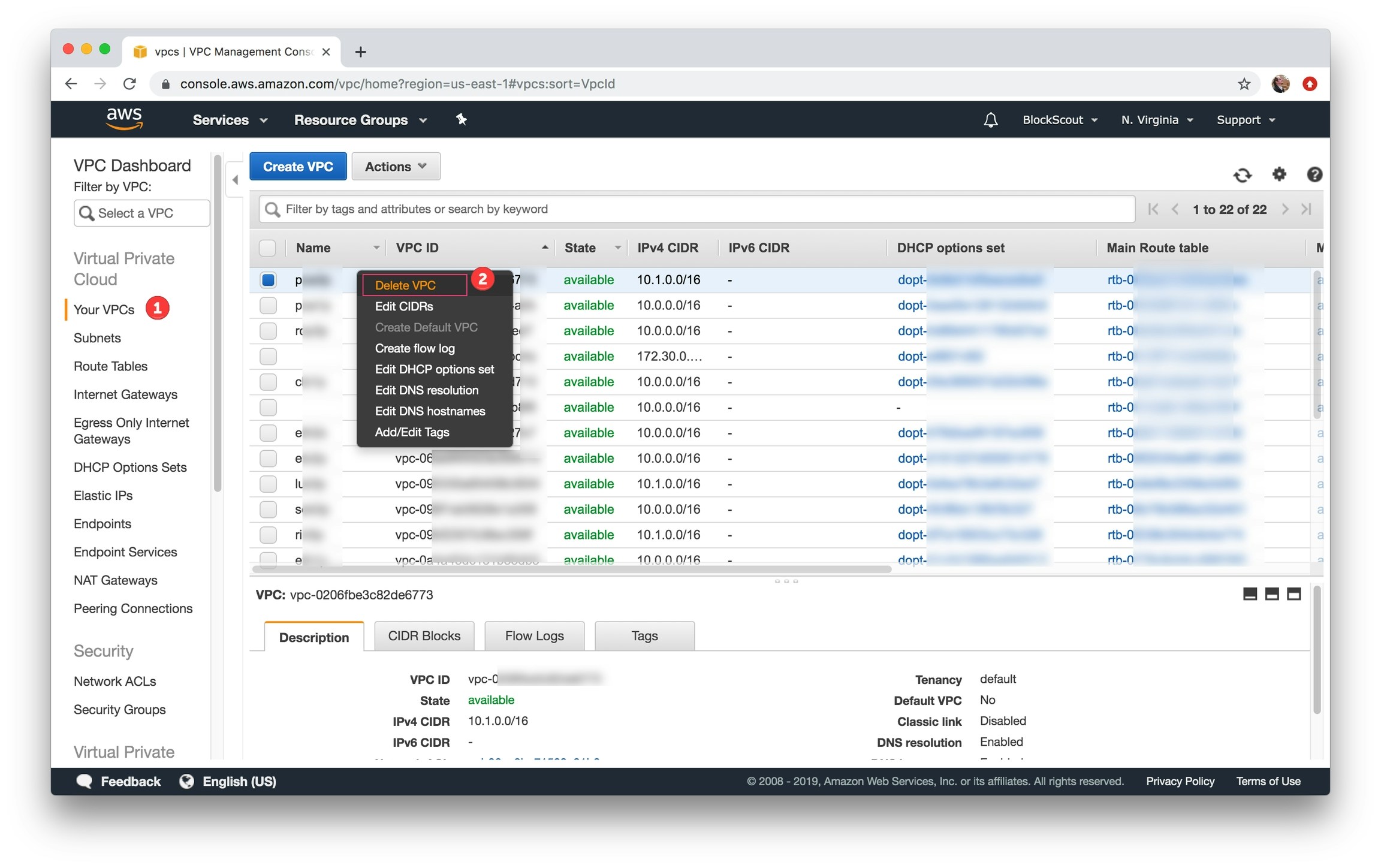
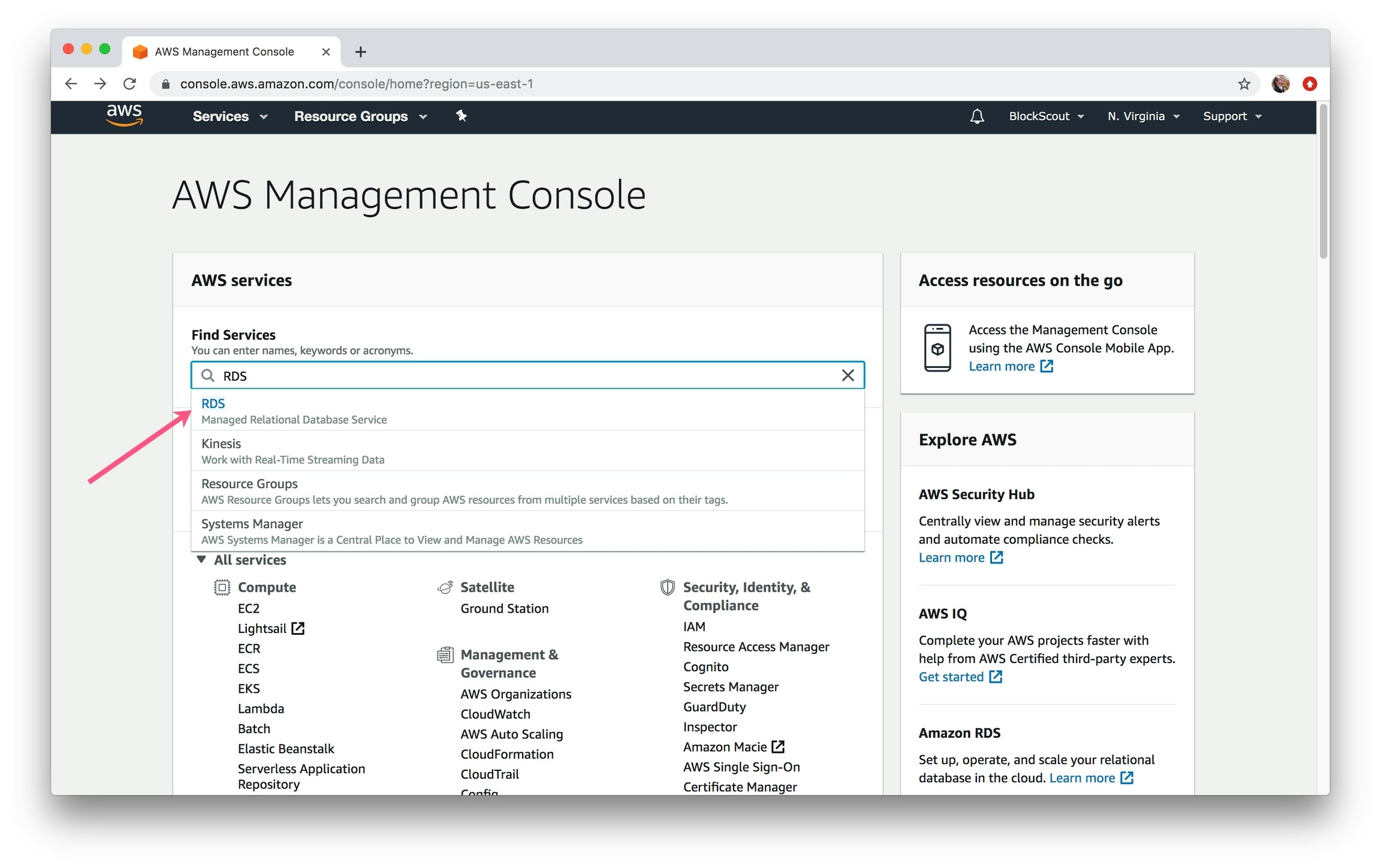
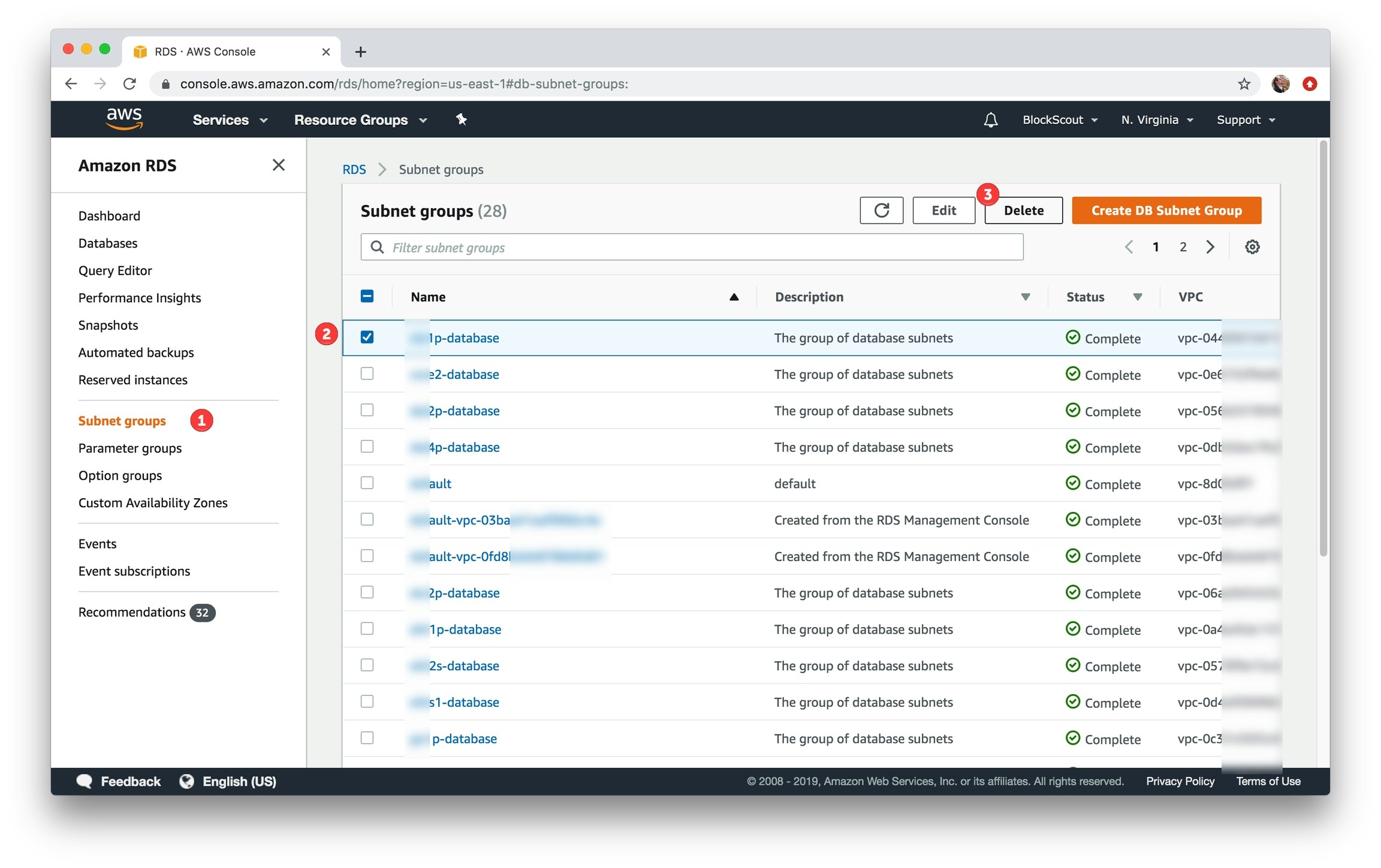
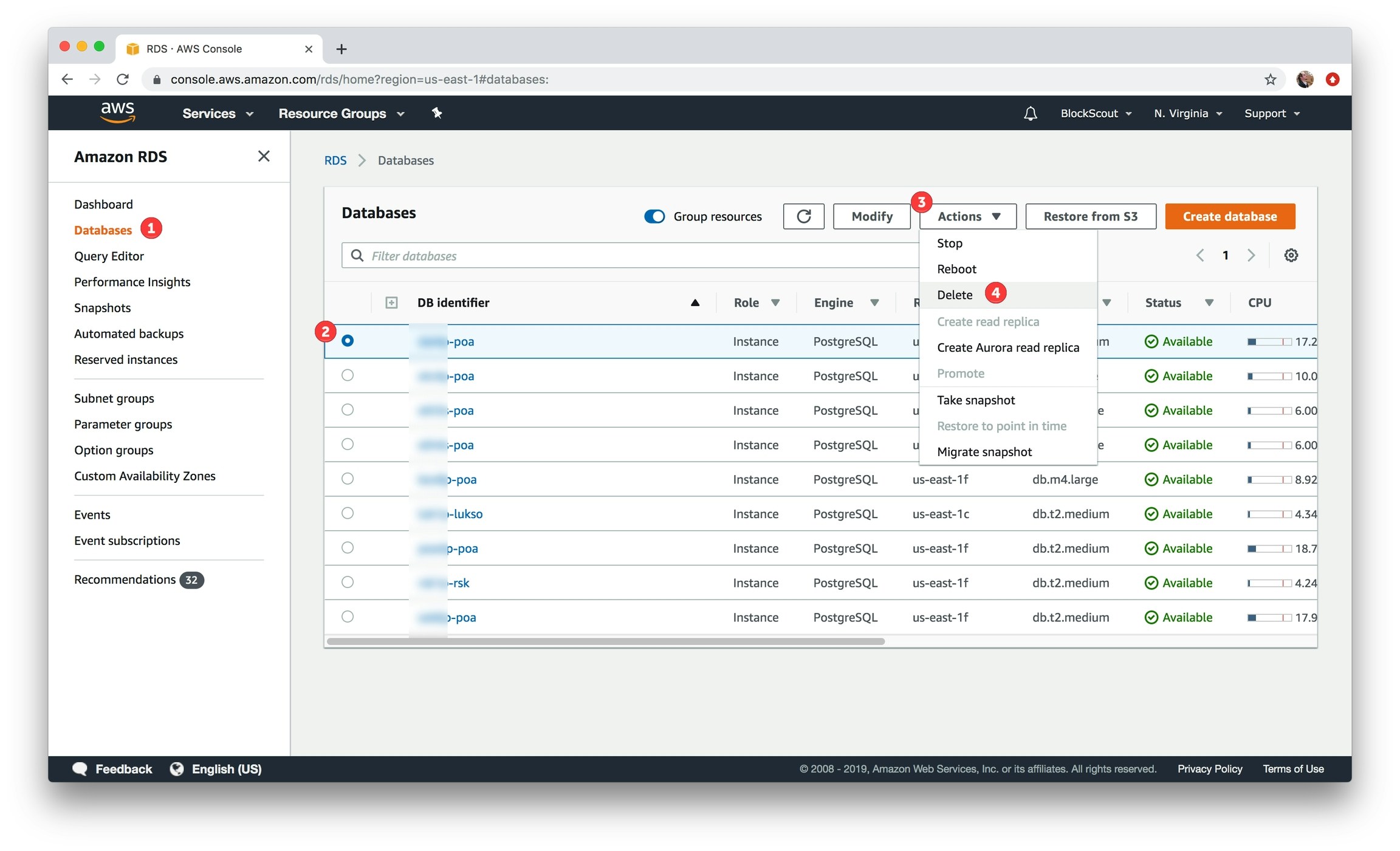
1) In the Find Services box, type in RDS and select.