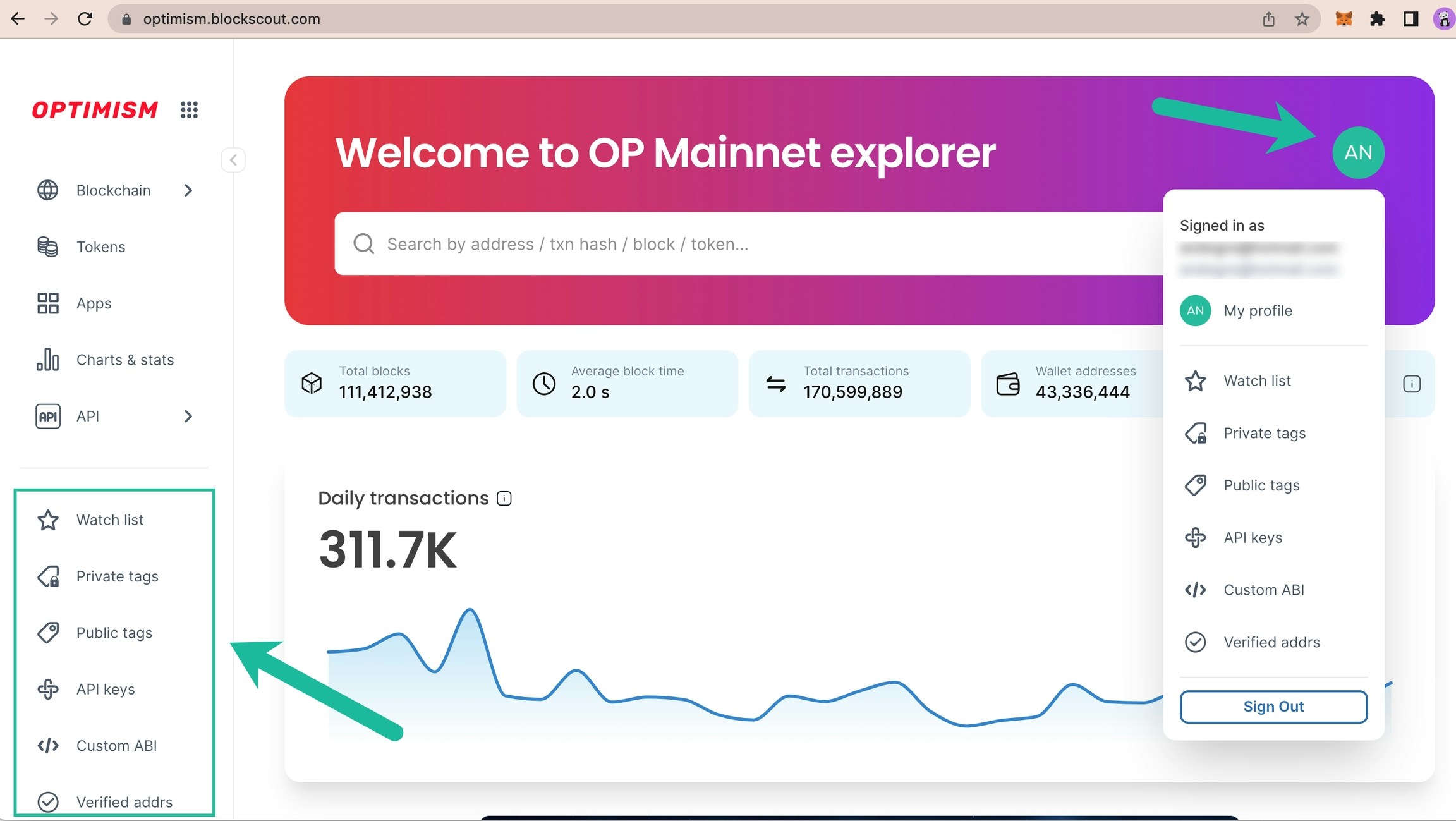
- Watch list: Watch specific addresses and receive email notifications for transactions.
- Private Tags: Private tags for addresses & transactions
- Public Tags: Request a public category tag displayed to all Blockscout users. Requests are processed manually.
- API keys: Add to receive an individually rate limited key.
- Custom ABI: Useful for testing & debugging, can be used with verified or unverified contracts.
- Verified Addresses: Verify ownership of a smart contract address to easily update information in Blockscout
- Sign Out: Sign out, info kept in local storage for easy sign-in.
Get Started
The following example is created using the Optimism Blockscout instance.
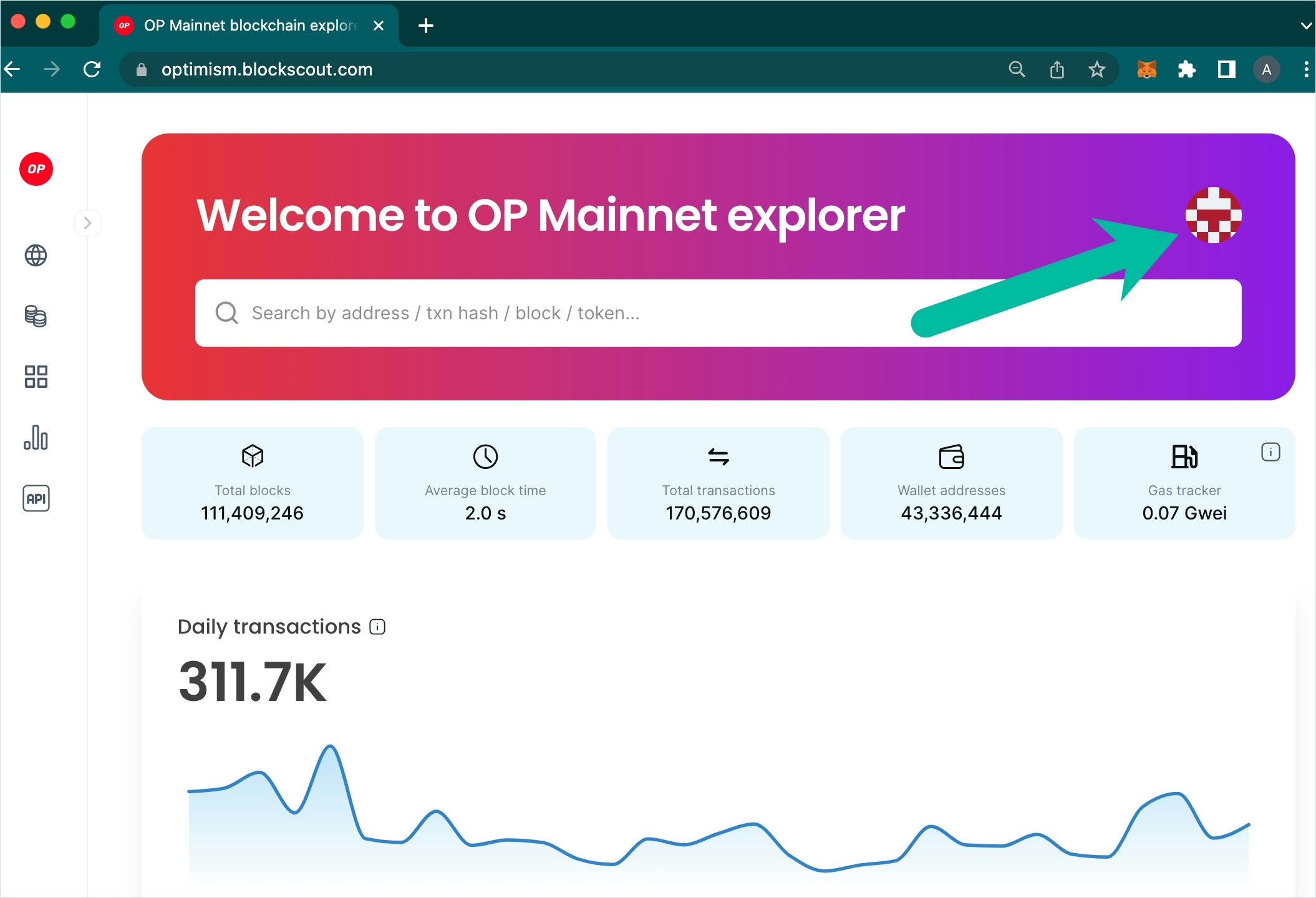
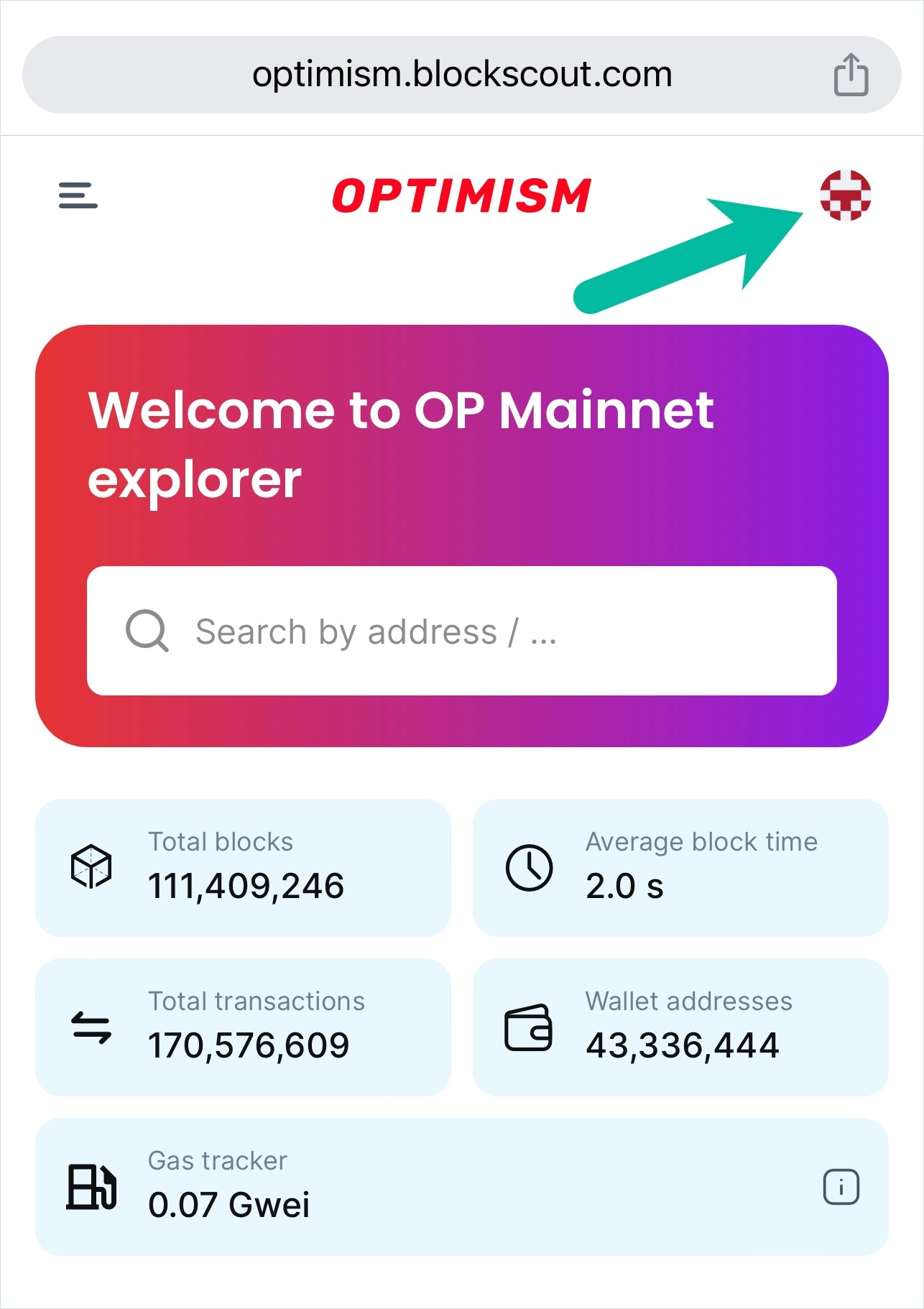
1) Click the MyAccount Icon
2) Sign in / Create an Account
a. Sign in with your existing email and password b. Create a new blockscout account with an email/password c. Sign in with an existing github account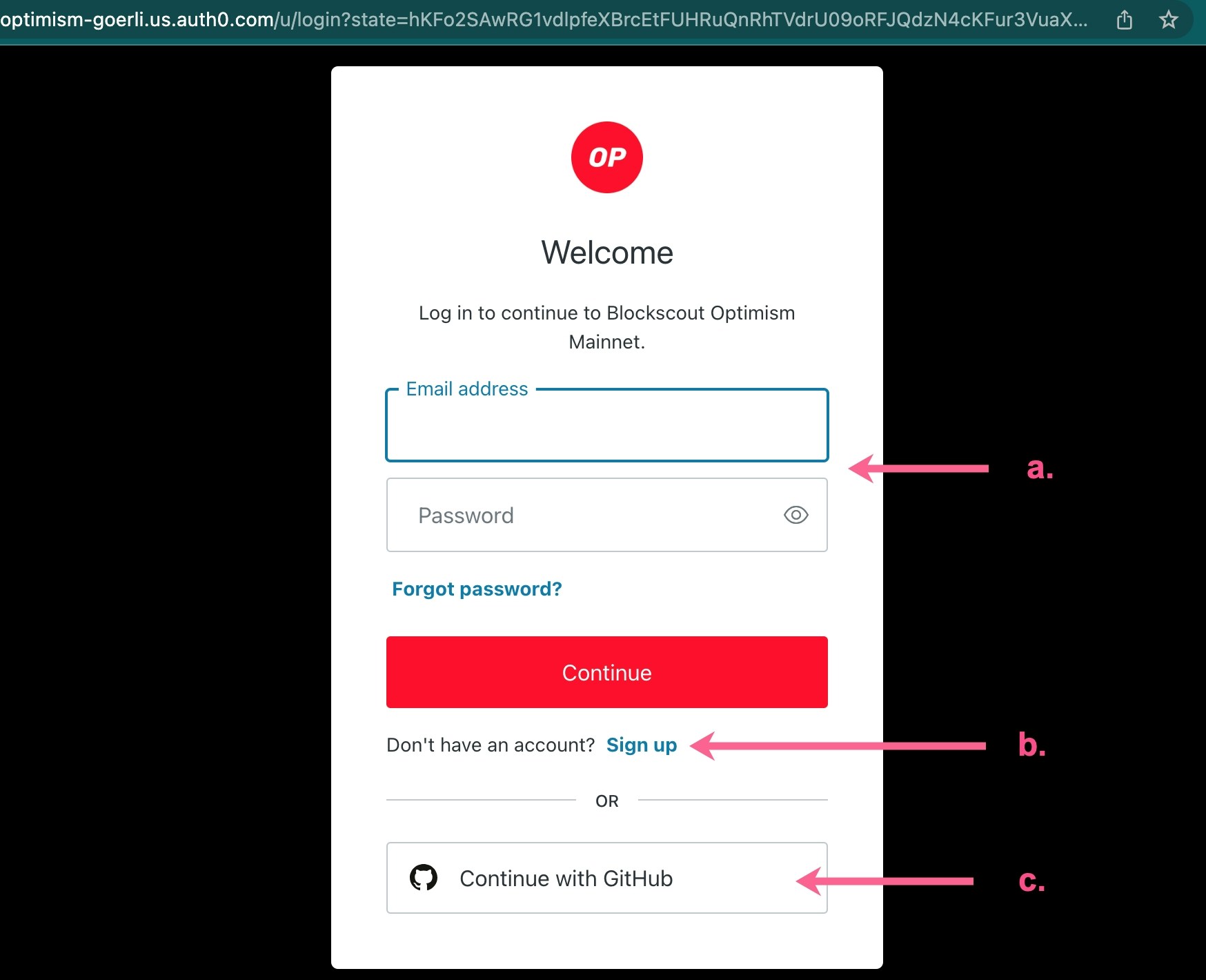
2a) Email and Password
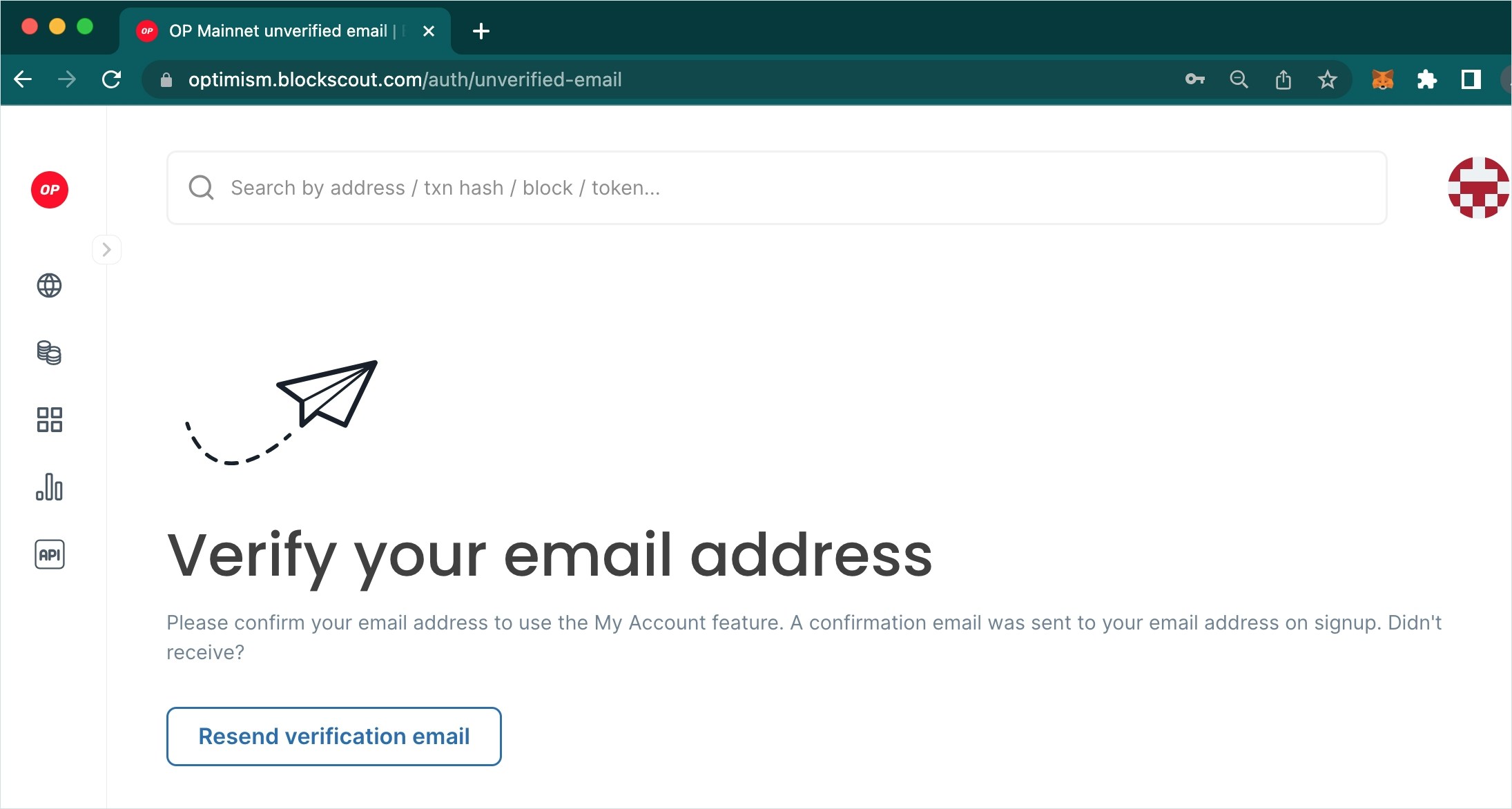
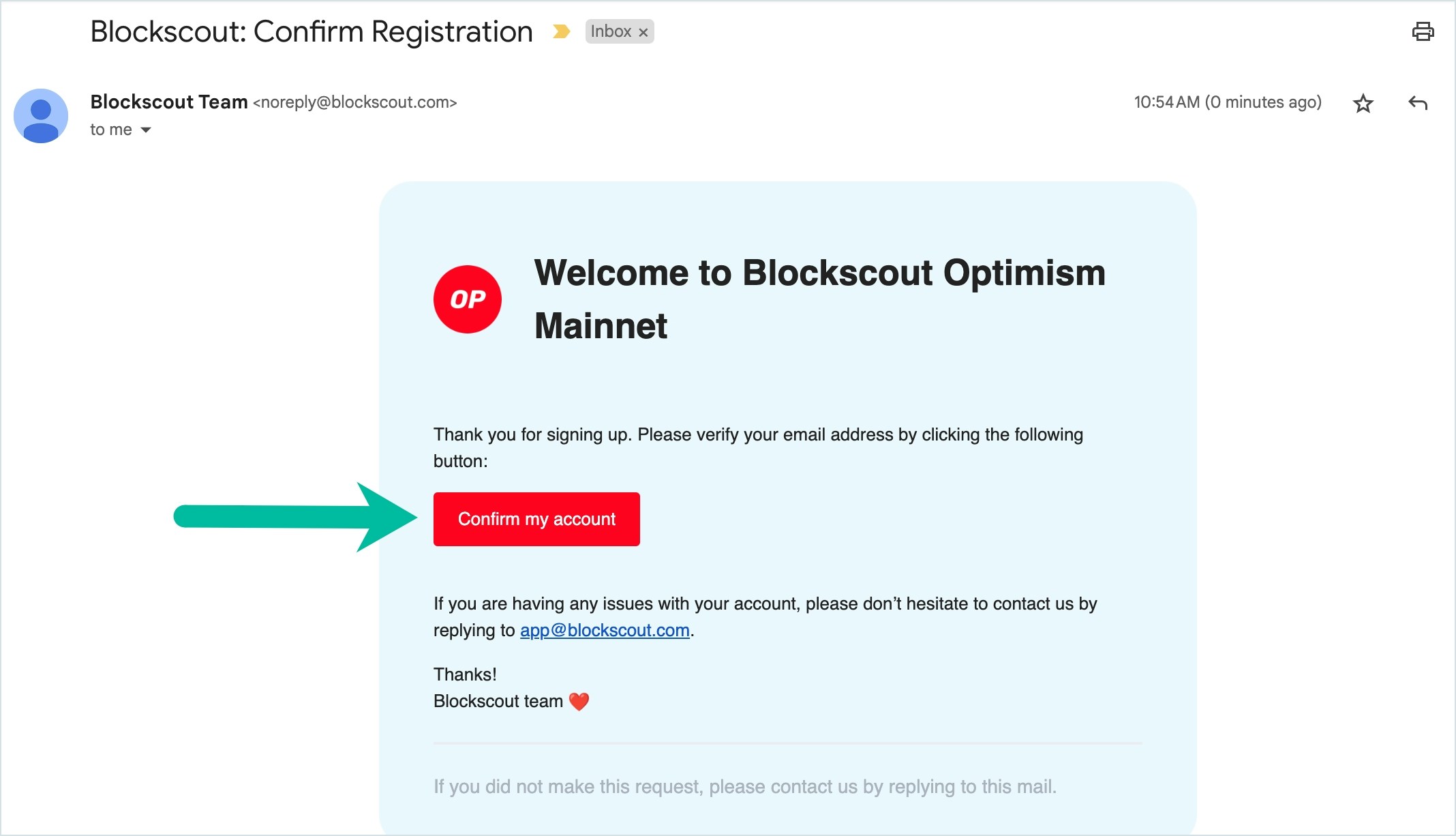
Enter a valid email and password to setup an account. You will receive a validation notice to your email, be sure to check spam filters as it will come from noreply@blockscout.com.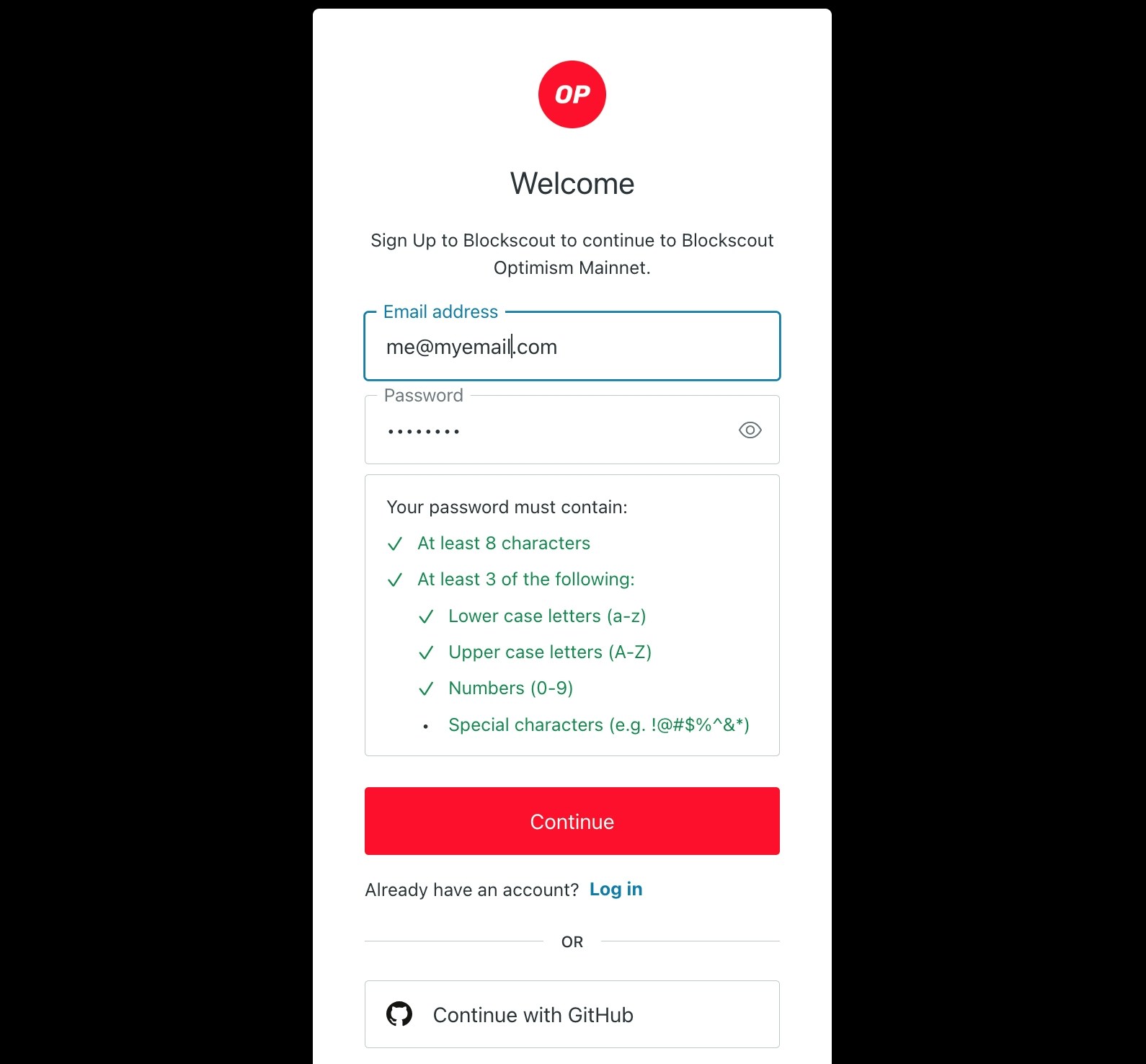
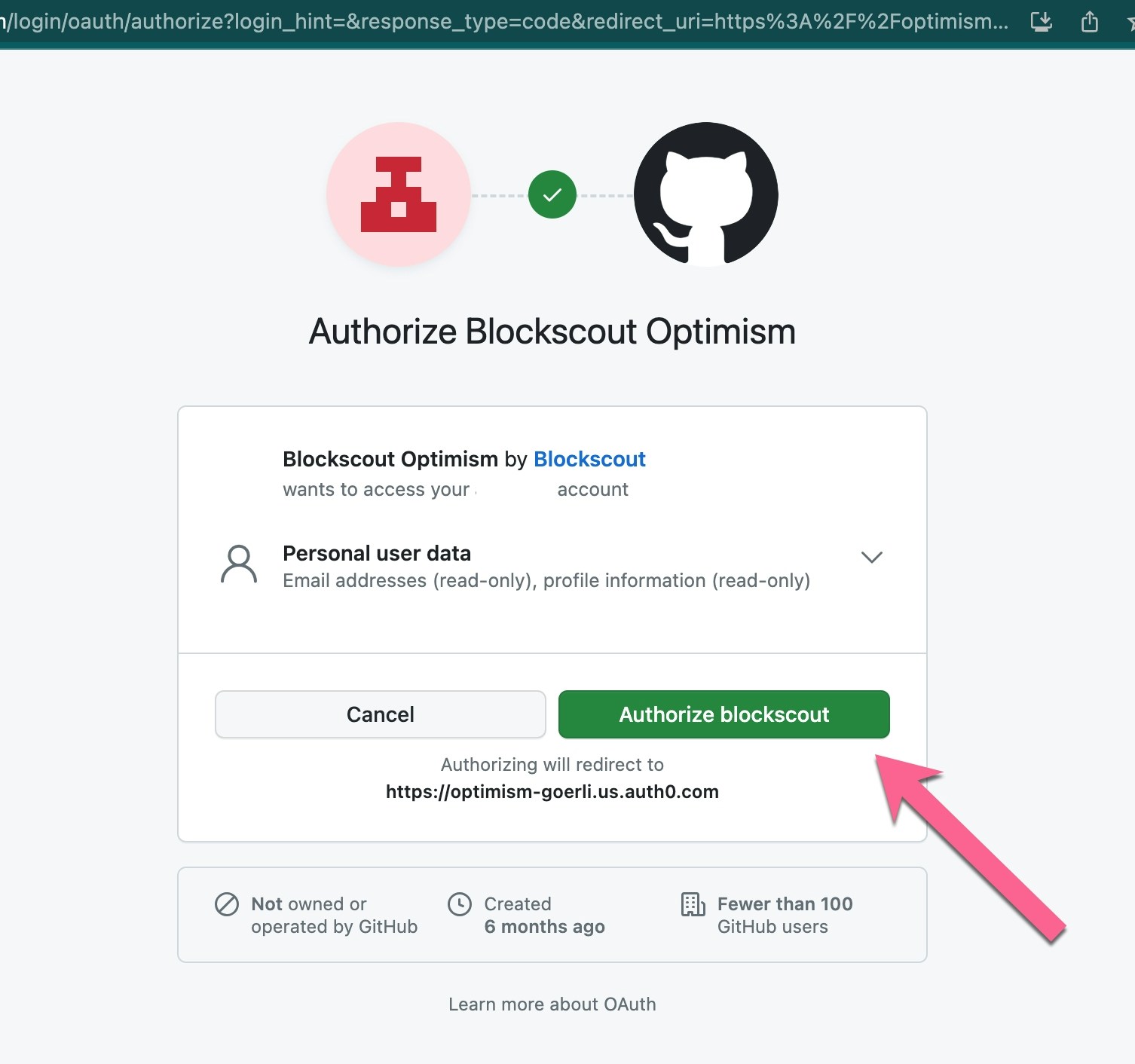
2b) Github
3) View Options
Once logged in, you can view options in the My Account Dropdown or on the activated toolbar.